Facebook Lead Ads for Real Estate: Set Up the Form and the Follow-Up
Facebook lead ads produce enquiries quickly, and they go cold just as quickly. How to design the form, route leads to the right person and follow up in time.
Arthaleads Team · · 8 min read
Facebook lead ads for real estate, and the same ads on Instagram, are popular with builders and brokers for a good reason: the buyer taps once, the form is pre-filled with their details, and you get a name and a number without anyone leaving the app. The same ease is also the weakness. A buyer who tapped on a whim at 9 PM may not remember your project by the next afternoon.
Getting value from lead ads comes down to three things: a form that qualifies, leads that reach the right person immediately, and a first contact that happens while the buyer still remembers the ad. This guide covers each of them, plus the setup details most teams skip: compliance in the ad itself, tracking the right numbers, and teaching Meta which leads were actually good.
How Facebook lead ads for real estate work
A lead ad shows a normal image or video ad in the feed, Stories or Reels. When someone taps the button, Meta opens an instant form inside Facebook or Instagram, already filled with the name, phone number and email from their profile. They answer any questions you added, tap submit, and the lead is stored against your Page. Meta describes the format on its lead generation ads page.
For property, this is powerful because the buyer never has to load a slow website on mobile data or type a phone number. It is also why lead ads produce more casual enquiries than a website form. The job of your setup is to keep the convenience while filtering for intent.
Before you launch: the ad itself
A few basics decide the quality of the leads before anyone fills a form.
- Be specific. "3 BHK in Baner from ₹1.35 Cr, possession Dec 2027" attracts buyers who can afford it. "Luxury homes, book now" attracts everyone.
- Show the real thing. Actual photos, the sample flat, the view from the tower, a walkthrough video. Renders alone set expectations the site visit cannot meet.
- Mention your RERA registration. Under RERA, every advertisement for a registered project must carry its registration number and the regulator's website address. In Maharashtra, for example, projects are registered with MahaRERA. It is a legal requirement, and buyers increasingly look for it.
- Target by location first. A tight radius around the project and the areas your buyers actually move from usually beats broad interest targeting.
Design the form to qualify, not just to collect
A form with only a name and a number produces a lot of leads and a lot of wasted calls. A few well-chosen questions help your team decide who to call first.
- Configuration: 1 BHK, 2 BHK, 3 BHK and so on, as tap-to-select options.
- Budget range, as bands rather than a typed number.
- When they plan to buy: within three months, three to six months, just exploring.
- Preferred location, if your project has more than one area to choose from.
Keep it to three or four questions. Every extra question loses some people, so ask only what changes how you will handle the lead. Meta also lets you choose a form type built for higher intent, which adds a review step before submitting. It produces fewer leads, but often better ones, and is worth testing if your team is drowning in casual enquiries.
Get the lead to the right person immediately
The value of a lead ad lead drops with every hour. Connect the form directly to your CRM so the lead appears the moment it is submitted, rather than waiting for someone to download a spreadsheet from Meta's Leads Center the next morning.
Then decide who gets it. If you run separate campaigns for separate projects, route each campaign or form to the agent or team that sells that project. If everyone sells everything, use round robin so no one is overloaded. Either way, the agent should get a notification on their phone the moment the lead is assigned. Our guide to real estate lead management explains how to choose an assignment rule that fits your team.
Contact within minutes, with a reason to reply
The first message should remind the buyer what they asked for and give them something to respond to.
- Mention the project name and the configuration they chose.
- Send the brochure and location.
- Offer two visit slots.
- If you cannot call straight away, a WhatsApp message first is better than silence.
A study published in the Harvard Business Review found that companies contacting leads within an hour were nearly seven times as likely to have a meaningful conversation as those that waited longer. With lead ads, where the buyer's attention is brief, the window is even shorter. Our guide on replying to property enquiries on WhatsApp has examples of first messages that get replies.
Follow up on the leads who did not answer
Many lead ad leads do not pick up the first call. That does not make them bad leads. They may be at work, driving, or simply not answering unknown numbers. Try at a different time of day, send a WhatsApp message, and try again the next day. A written cadence, such as the one in our real estate follow-up system, stops these leads from being dropped after one missed call.
Tag every lead with its source and campaign
At the end of the month you will want to know which campaign produced site visits, not just enquiries. That is only possible if each lead remembers the form and campaign it came from. A campaign that produces many enquiries and few visits is costing you money, however good its cost per lead looks.
Track these per campaign, every week:
- Cost per lead.
- Contact rate (leads actually spoken to).
- Cost per site visit.
- Bookings.
Cost per site visit is the number to optimise. A campaign at ₹400 per lead and ₹4,000 per visit is better than one at ₹150 per lead that never produces a visit.
Test one thing at a time
Lead ads improve through small, steady tests rather than big changes. Change one element at a time and give it enough budget and days to show a difference in site visits, not just in leads.
Good things to test, roughly in order of impact:
- The offer or hook: price-led ("2 BHK from ₹78 L"), location-led ("10 minutes from Hinjewadi Phase 1"), or urgency-led ("last 12 units in Tower B").
- The creative: a walkthrough video against still photos, or the sample flat against the amenities.
- The form: an extra qualifying question, or the higher-intent form type.
- The audience: a tighter radius, or a lookalike of past buyers.
Keep a simple log of what you changed and when. Three months later, that log is worth more than any agency report, because it shows what actually works for your buyers in your market.
Tell Meta which leads were good
Meta's delivery system learns from what you tell it about your leads. If it only knows that someone filled in a form, it will find more people who fill in forms. If you also report back which leads became site visits and bookings, it can learn to find people like the ones who actually buy.
This is done by sending conversion events through Meta's Conversions API. It sounds technical, but most CRMs that integrate with Meta can send these events for you once it is switched on. It is worth setting up once your lead flow is steady and your team updates lead stages reliably, because the events are only as good as the stage data behind them.
Facebook lead ads for real estate: common mistakes
- Downloading leads once a day instead of receiving them instantly.
- Judging a campaign by cost per lead instead of cost per site visit.
- Calling in a batch at the end of the day. Speed matters more than a tidy routine.
- Not following up the leads who did not answer the first call.
- Running the same creative for months until it stops working.
- Leaving out the RERA number, or using renders that do not match the project.
The same ideas apply to Google lead forms
Google Ads offers its own lead form assets, which work in a similar way from search and YouTube ads. Google only keeps those leads available for download for a limited time, as explained in Google's help page on lead form assets, so connecting them directly to your CRM matters even more.
How Arthaleads helps
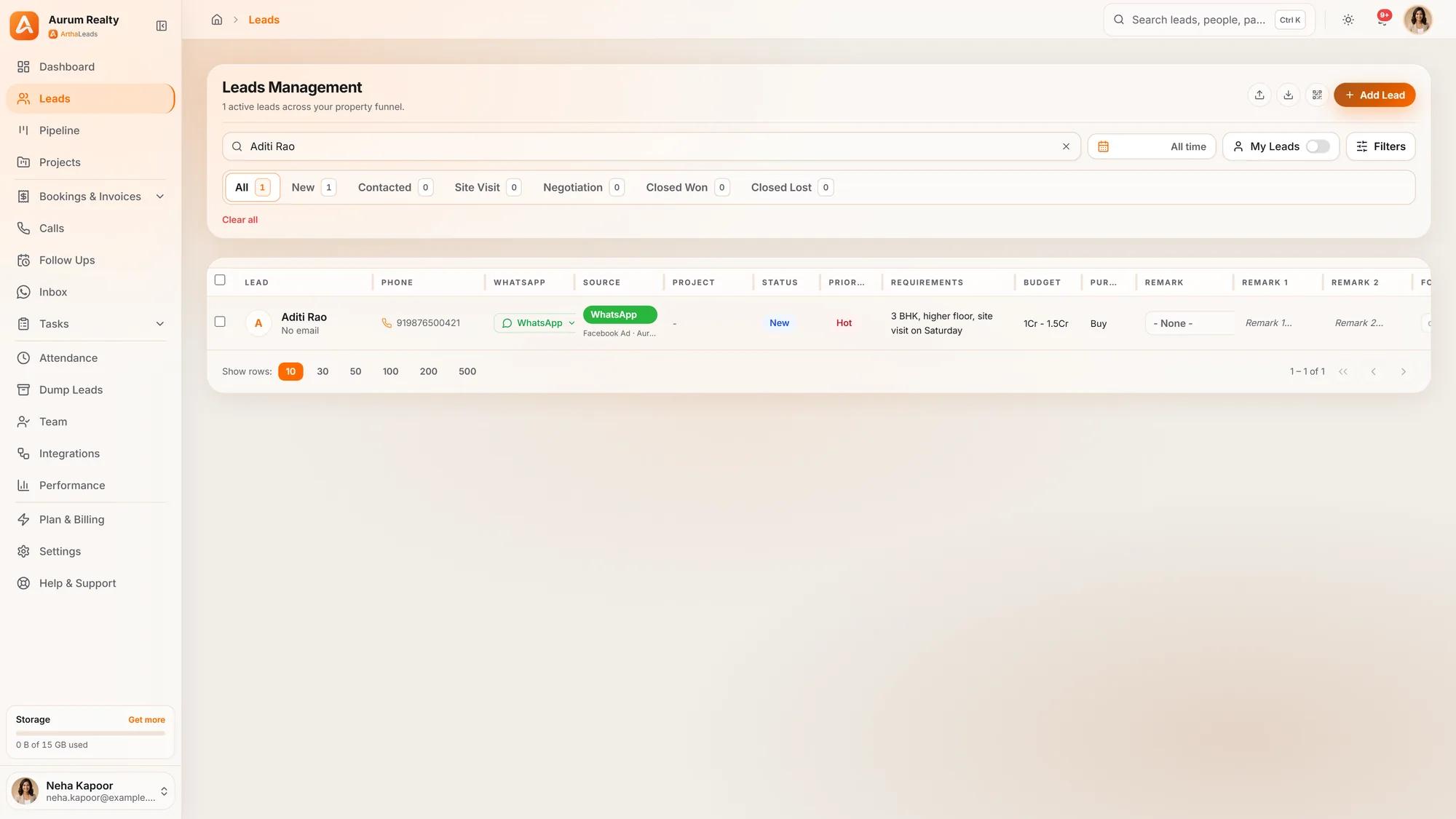
Arthaleads connects to your Facebook lead forms so each submission becomes a lead within about two minutes, with the source, form and campaign recorded. Routing rules assign leads to a person by form or campaign, duplicates are caught by phone number, and on the Growth plan and above you can send lead outcomes such as site visits and closed deals back to Meta. Google Ads lead forms, website forms and WhatsApp enquiries land in the same list.
See every feature or compare plans and pricing. To connect your own lead forms, start a free trial.
More guides on the Arthaleads blog · Arthaleads features · Pricing