
Choosing real estate CRM software looks easy on a demo call. Every product has a pipeline, a dashboard and a mobile app, and every salesperson will tell you theirs is the best CRM for real estate. The trouble shows up a month after you sign, when telecallers find that Facebook leads still arrive late, WhatsApp chats still live on one person's phone, and nobody can tell you how many site visits happened last week.
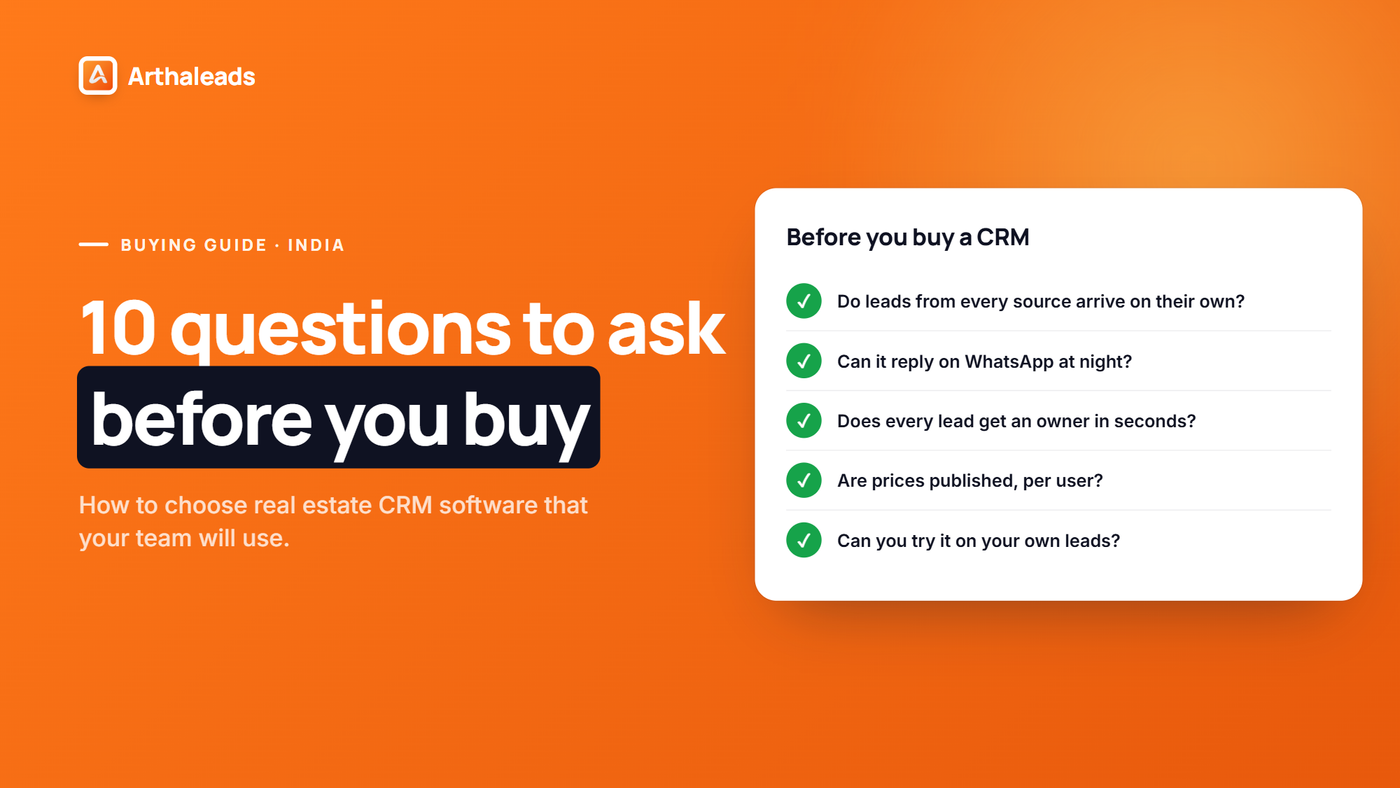
This guide gives you 10 questions to ask before you buy. They are written for owners and sales managers at Indian builders, channel partner firms and brokerages. Take them into every demo, ask for each answer to be shown on screen rather than described, and write down what you see.
Five real estate CRMs used in India, compared (October 2026)
Arthaleads is our product, so read this section with that in mind. Prices and features for the other four come from each company’s own website, checked in October 2026, and they change, so confirm the current figures before you decide. Our detailed comparisons with Sell.Do, Leadrat and Kylas link the source for every figure. If something here is out of date, tell us and we will correct it.
Arthaleads
- Price: Rs 599 (Starter) or Rs 999 (Growth) per user per month plus 18% GST, with a five-seat minimum. Enterprise is quoted. 14-day free trial, no credit card.
- Built for: Indian builders, developers and channel partner teams.
- Stands out for: a shared WhatsApp inbox, a WhatsApp AI agent on Growth that replies day and night, Facebook and Instagram lead ads that come in automatically, project-wise pipelines and an Android app.
- Choose it if: you want published per-user prices, a free trial and WhatsApp at the centre of your sales process.
Sell.Do
- Price: not published. Sell.Do quotes per user based on team size and modules, with a five-user minimum. You book a demo to get a quote.
- Built for: larger developers, with a long track record in Indian real estate.
- Stands out for: a launch-day booking and inventory platform (IRIS), post-sales and collections, and AI voice and call-analysis agents sold as usage-based add-ons.
- Choose it if: you are a large developer that needs launch inventory, bookings and post-sales in one suite.
Leadrat
- Price: Rs 2,299 per user per month at 10 users, falling to Rs 1,499 per user at 100 users. One plan with every feature, billed annually, starting at 10 users. Demo on request.
- Built for: real estate teams in India and the Gulf.
- Stands out for: field-team tools such as geofencing, mandatory clock-in and site-visit geo-verification, plus connectors for 99acres, MagicBricks and Gulf property portals.
- Choose it if: you have ten or more users, want one plan with everything, and are happy to pay annually.
Kylas
- Price: a free Embark plan, and Elevate at Rs 12,999 a month in India for unlimited users (a flat fee, not per user). 7-day Elevate trial.
- Built for: sales teams in general, with integrations for Indian property portals.
- Stands out for: one flat monthly price however many users you add. Inbuilt WhatsApp is an add-on at Rs 3,500 a month plus message credits.
- Choose it if: you have a large team, want a general sales CRM and prefer one flat monthly bill.
Privyr
- Price: a Free Forever plan for up to 3 members; Pro is priced per user, shown in US dollars on its site, with a 14-day free trial; Ultimate is quoted for teams of more than 20.
- Built for: agents and small teams who work their leads from a phone.
- Stands out for: instant new-lead alerts and quick follow-up from the phone. WhatsApp auto-replies and campaigns are paid add-ons.
- Choose it if: you are a solo agent or a very small team and want to start free.
Whichever shortlist you end up with, the questions below will show you how each product behaves with your own leads, which matters more than any feature list.
Why the right questions matter more than the feature list
Feature lists look almost identical across products. What differs is how those features behave on a busy Saturday when, say, 40 new enquiries arrive, a site visit is running late and two agents are on leave.
A good real estate CRM in India has to fit the way property is actually sold here: leads from Facebook, Instagram, Google, portals, hoardings and walk-ins; conversations that happen mostly on WhatsApp; buyers who take weeks to decide and visit several sites; and teams where telecallers, sales managers and channel partners all touch the same lead.
If you want a side-by-side view of features before the demos, the ArthaLeads comparison page lays out what to check and includes a short guide to choosing a CRM for real estate agents and developers.
Questions about leads and speed of reply
1. Where will my leads come from, and which arrive automatically?
List every source you use today: Facebook and Instagram lead ads, Google Ads, your website, property portals, QR codes on hoardings, walk-ins and referrals. Then ask the vendor to show, live, which of those flow into the CRM on their own and which need someone to import a sheet.
Portals are a common gap, and it is better to know before you buy. ArthaLeads, for example, says plainly that 99acres, MagicBricks and Housing.com leads are not connected automatically; they are added manually or imported from a CSV or Excel sheet.
2. How quickly can my team reply to a new enquiry?
Speed at the start matters. A Harvard Business Review article on online sales leads found that many companies were not responding to web enquiries nearly fast enough. In a demo, submit a test enquiry yourself and time how long it takes to appear, who gets notified, and whether the lead is assigned to someone automatically or sits in a common pool waiting for a manager.
Ask about off-hours too. Many property enquiries come in at night or on Sundays. Can the system send an instant first reply, and can it hand the conversation to a person in the morning without losing context?
3. How does it handle WhatsApp?
For most Indian buyers, WhatsApp is where the real conversation happens. Ask three things. Do new WhatsApp chats become leads automatically? Can several agents work from one shared inbox on a business number, so chats do not disappear when someone leaves? And is the integration built on Meta's official WhatsApp Business Platform, which Meta says can connect with CRM and marketing tools, rather than an unofficial workaround that puts your number at risk?
Also ask how messages are charged and whether the system records consent, so that people who said no are not sent marketing messages. Our WhatsApp CRM page shows what a shared inbox and AI replies look like in practice.
Questions about how your team works every day
4. Can it run several projects at once?
Builders and channel partners rarely sell one project. Ask whether each project can have its own leads, brochures, floor plans and assigned telecallers, and whether a buyer who was interested in one project can be moved to another without losing their history. Check the plan limits too, because some plans cap the number of projects.
5. Will my team actually use the follow-up tools?
The follow-up screen is where a CRM earns its money. Ask to see what an agent sees at 10 AM: which follow-ups are overdue, which are due today, and how many taps it takes to call or WhatsApp the buyer and log the outcome. If logging a call needs five screens, it will not happen. Our guide to a follow-up system your team will actually use has a simple cadence you can test in any trial.
6. Does it work on the phone my agents already carry?
Most telecallers and site staff work from Android phones. Ask whether there is an Android app for calling, logging outcomes and today's follow-ups, and whether the web app works properly in a phone browser for managers on the move.
Questions about reports, data and security
7. What will the reports tell me on Monday morning?
As an owner or manager, you want a few answers fast: how many new leads came in and from where, how many were contacted, how many site visits happened, which source turned into bookings, and which agent has a long overdue list. Ask the vendor to show those reports with sample data. Source-wise conversion matters most, because it tells marketing where to spend.
8. Who owns the data, how is it protected, and can I export it?
Your lead list is one of your most valuable assets. Ask:
- Is each company's data kept separate from other customers' data?
- Can agents see only their own leads, while managers see the whole team?
- Can I export all my leads to CSV or Excel, and on which plan?
- What happens to my data if I stop using the product?
Export is often limited to higher plans, so check before you commit. A clear public security page is a good sign.
Questions about price, trial and support
9. Is the pricing transparent, and can I try it properly?
Ask for the full cost of the real estate CRM software: price per user, minimum users, GST, add-ons, and charges for WhatsApp messages. Ask whether annual billing changes the price. Then ask for a free trial that includes the features you will actually use, not a stripped-down version. A trial should let you connect your real lead sources and run real follow-ups for at least two weeks.
As an example of what to look for, ArthaLeads publishes its plans and pricing per user per month with GST stated separately, and its 14-day free trial includes every Growth plan feature with no credit card.
10. Who will help us set it up, and who answers when something breaks?
Ask what onboarding looks like: who imports your existing leads, who connects Facebook and WhatsApp, and who trains the team. Ask how support is reached, in which language, and how quickly. For larger teams, ask whether on-site onboarding is available.
If you are moving from another tool, read one of our switching comparisons to see which questions matter most during a move.
How to run a fair trial of real estate CRM software
Use the trial to answer the 10 questions with your own data.
- Shortlist two or three products at most. With more than that, nobody tests anything properly.
- Connect real sources on day one. At least one ad form and your WhatsApp number.
- Give the trial to two agents and one manager. Not just the owner.
- Run a week of real follow-ups. Count how many were logged on time.
- Hold a short review at the end. Ask the agents which tool they would rather open tomorrow.
The agents' answer matters more than any feature list. The best real estate CRM software is the one your team opens every morning without being told to.
A short checklist to take into every demo
- Which of my lead sources arrive automatically?
- How fast is a new lead assigned and answered?
- Is WhatsApp on the official platform, with a shared inbox and recorded consent?
- Can I run several projects and move leads between them?
- How many taps does it take to call, WhatsApp and log a follow-up?
- Is there an Android app for agents?
- Can I see source-wise conversion and overdue follow-ups per agent?
- Is data separated, role-based and exportable?
- What is the full price, and is the trial complete?
- Who sets us up, and who supports us after that?
Ask every vendor of real estate CRM software the same questions and the right choice usually becomes obvious. If you would like to test them on a real pipeline, you can start a 14-day free trial with your own leads and your own team.
Frequently asked questions
Which is the best real estate CRM software in India?
There is no single best real estate CRM for every team. The right one fits how property is actually sold in India, with leads from ads, portals, hoardings and walk-ins, conversations mostly on WhatsApp, and buyers who take weeks to decide. Shortlist two or three products, ask each vendor the same ten questions in a demo, and run a real trial. The best choice is usually the tool your agents would rather open tomorrow.
What questions should I ask before buying a real estate CRM?
Ask which lead sources arrive automatically, how fast a new lead is assigned and answered, whether WhatsApp runs on the official platform with a shared inbox and consent records, and whether several projects can run side by side. Then ask how many taps a follow-up takes, whether there is an Android app, what the reports show, who owns and can export the data, what the full price is, and who handles setup and support.
Do real estate CRMs integrate with 99acres, MagicBricks and Housing.com?
Not always, and it is better to know before you buy. Portals are a common gap, so ask the vendor to show live which of your sources flow into the CRM on their own and which need someone to import a sheet. Arthaleads, for example, says plainly that 99acres, MagicBricks and Housing.com leads are not connected automatically, and are added manually or imported from a CSV or Excel sheet.
How much does a real estate CRM cost in India?
Costs vary by product, so ask every vendor for the full picture rather than a headline figure. That includes the price per user, any minimum number of users, GST, add-ons, charges for WhatsApp messages and whether annual billing changes the price. Also confirm that the free trial includes the features you will actually use, and check which plan allows data export, since export is often limited to higher plans.
How should I run a free trial of a real estate CRM?
Give the trial at least two weeks and connect real lead sources on day one, at least one ad form and your WhatsApp number. Shortlist no more than two or three products, and give access to two agents and one manager, not just the owner. Run a week of real follow-ups, count how many were logged on time, and end with a short review asking the agents which tool they would rather use.
About Arthaleads
Arthaleads is a CRM for Indian real estate sales teams. It brings enquiries from ads, portals, your website and WhatsApp into one workspace, with follow-ups, projects, bookings and invoices. These articles are educational and are not a substitute for advice based on your own business and data.