CRM for Builders and Developers: What Your Sales Team Really Needs
Multi-project pipelines, QR codes on hoardings, launch-day planning, telecaller workflow, channel partners and bookings: what developer sales teams need from a CRM.
Arthaleads Team · · 8 min read
A developer's sales team does not sell a flat. It sells a project, then another, sometimes three or four at once, each with its own inventory, price sheet, launch date and marketing budget. A CRM for builders has to handle that reality: enquiries arriving from hoardings, ads and channel partners all at once, telecallers working through long calling lists, site visits every weekend, and owners who want to know which project is moving and why.
This guide sets out what a developer's sales team really needs from a CRM, area by area, so you can judge any product against your own process rather than a generic demo.
Why a CRM for builders is different
A broker usually sells several developers' inventory to a smaller set of buyers. A developer sells its own inventory to a large number of buyers across several projects. That changes what matters.
- Volume comes in waves. A launch, a festive offer or a new hoarding can bring in more enquiries in a week than the whole previous month.
- Several people touch one lead. Marketing generates it, a telecaller qualifies it, a sales manager runs the site visit, and a channel partner may have referred it in the first place.
- Projects are the unit of work. Leads, brochures, telecallers and targets are all organised by project.
- Compliance is part of the sale. Every registered project carries a RERA number, and in Maharashtra, for example, project and agent registrations can be checked on the MahaRERA website. Your booking documents should carry the right details every time.
A general sales CRM can be bent to fit this, but a CRM for builders should handle it from the first day.
One pipeline per project, one view for management
Start with structure. Each project should have its own leads, its own collateral (brochures, floor plans, walkthrough videos) and its own assigned telecallers. Stages should be the same across projects so a manager can compare them fairly: new, contacted, qualified, site visit scheduled, site visit done, negotiation, booked or lost, or whatever stages your team already uses.
Two details save a lot of pain later:
- Moving leads between projects. A buyer who enquired about one project's 2 BHK may be a better fit for another project's ready flats. The CRM should let you move or copy the lead without losing call notes and history.
- Importing per project. When you take over old data from a previous agency or a spreadsheet, you should be able to import it into the right project in one go.
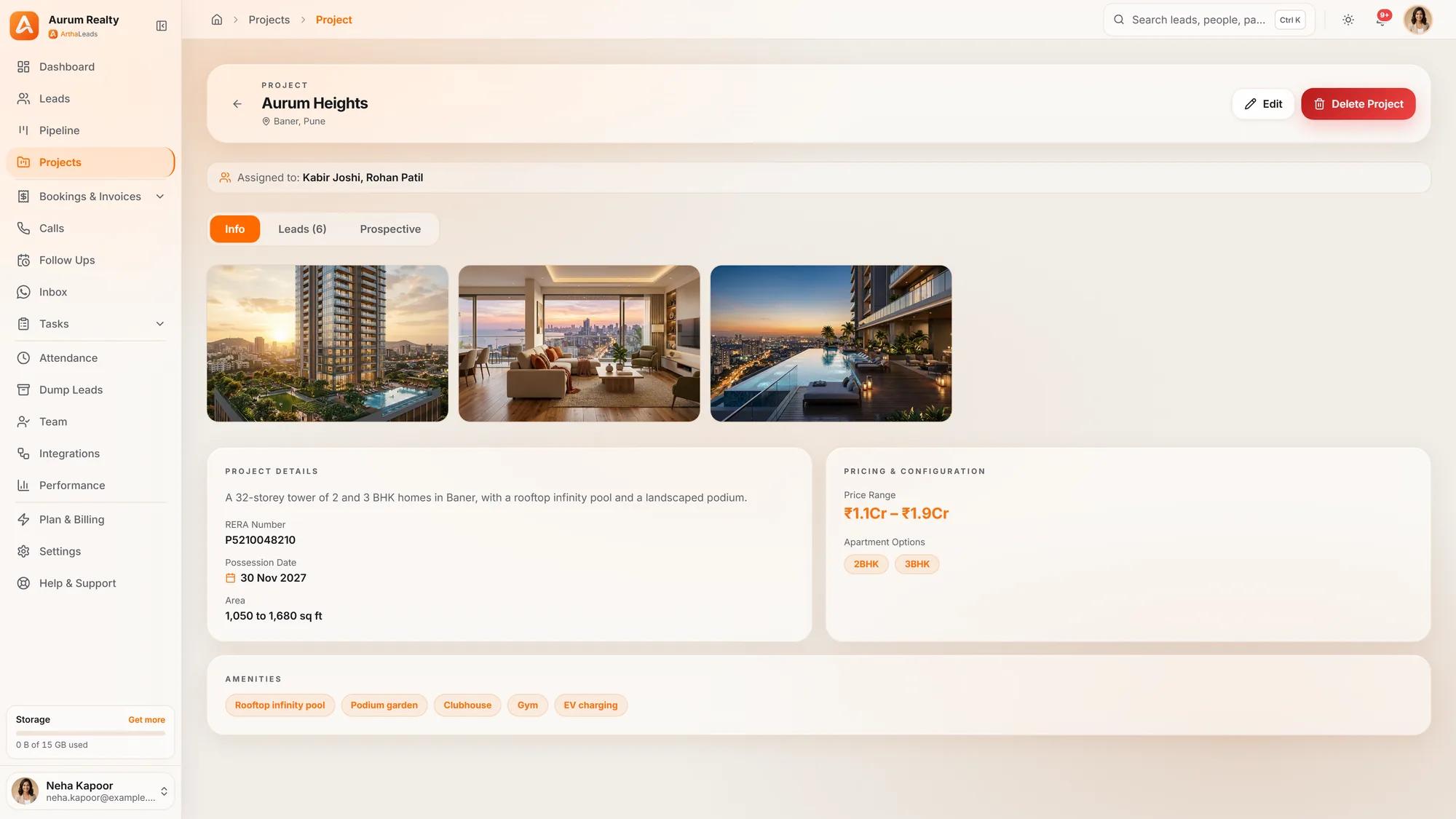
In ArthaLeads, for example, projects work this way: several run side by side, leads are imported per project, and a lead can be moved or copied between projects with its history intact.
Capture every enquiry, especially on launch days
Hoardings, site boards, brochures and expo stalls still produce serious buyers, but those enquiries often end up in a register at the site office or on a missed call list. A QR code changes that. Print a project-specific QR code on the hoarding; the buyer scans it, fills a short form, and the lead arrives in the CRM already tagged with the project and source. You finally learn which hoarding location is earning its rent.
Launch days need their own plan. When a project launches, enquiries from ads, QR codes, WhatsApp and walk-ins can arrive faster than any team can call. Plan for volume before the launch, not during it:
- Connect every source in advance. Facebook and Instagram lead ads, website forms, WhatsApp and QR codes should all flow in on their own. Test each one with a dummy enquiry a week before.
- Turn on automatic assignment. Round-robin assignment spreads new leads across the telecalling team so no single person's list explodes.
- Set up duplicate detection. The same buyer will often enquire twice, once from an ad and once on WhatsApp. Duplicates waste calls and annoy buyers.
- Prepare an instant first reply. A WhatsApp reply with the brochure and location pin keeps the buyer warm until a person can call.
- Decide the escalation rule. If a hot lead is not called within a set time, who is alerted?
Speed matters most at the start. A Harvard Business Review article on online sales leads found that many companies were far too slow to respond to web enquiries, and launch days are where that slowness costs the most.
Our guide to real estate lead management from enquiry to site visit covers capture, de-duplication and assignment in more detail.
A telecaller workflow that keeps pace
Telecallers are the engine of a developer's sales team, and the CRM should make their day faster, not slower. Each lead should open to a single screen with the buyer's details, project, source and full history. From there the telecaller should be able to:
- Call with one tap and log the outcome (connected, not reachable, call back, not interested).
- Add a remark that the next person can understand.
- Set the next follow-up date before closing the lead.
- Send a brochure or location on WhatsApp without switching apps.
A good CRM for builders also gives telecallers a clear daily list: overdue follow-ups in red, today's in amber, and the hottest leads at the top. An Android app for calling and today's follow-ups helps teams who work from their phones. Where calls are recorded, AI summaries of each call can save the manager from listening to every recording.
Site visits, channel partners and bookings
The site visit is where most bookings are decided. The CRM should record when a visit is scheduled, who will meet the buyer, whether the buyer turned up, and what happened next. A WhatsApp confirmation the day before, with the location pin and the name of the person meeting them, helps reduce no-shows. A same-day thank you with the floor plan of the unit they liked keeps the conversation going. Our WhatsApp CRM page shows how a shared inbox keeps those messages on one business number instead of personal phones.
Many developers rely on channel partners for a good share of their buyers, and disagreements about who brought a buyer first are common. Record the source and the referring partner on the lead at the moment it arrives, and keep it there. When a partner shares a buyer's details, a duplicate check should tell you straight away if that buyer is already in your system.
When the deal closes, the booking should come from the lead, not be typed again into a separate sheet. A booking engine that turns the closed lead into a booking in one click, calculates GST, and produces a branded invoice with your logo, RERA number and bank details removes a common source of errors.
What managers and owners need to see
Owners and sales heads do not need to see every lead. They need a few answers every week:
- New enquiries by project and by source.
- How quickly new leads were first contacted.
- Site visits scheduled and done, per project.
- Bookings by project, source and team member.
- Overdue follow-ups per telecaller.
These numbers should come from the CRM directly, not from a spreadsheet someone builds on Sunday night. Used well, they show where the process is leaking, not who to blame. Our guide on how to measure a real estate sales team without micromanaging explains which numbers to watch and how to talk about them with the team.
Attendance is worth a mention too. Site teams and field staff often start the day at different locations, and a selfie and location clock-in inside the CRM keeps that record honest without a separate app.
Choosing a CRM for builders: a quick checklist
Before you sign, test each of these with your own data during a trial:
- Separate pipelines for each project, with leads movable between them.
- A QR code per project for hoardings, brochures and expos.
- Automatic capture from ads, website forms and WhatsApp, with round-robin assignment and duplicate detection.
- A telecaller screen with one-tap calling, remarks and follow-up dates.
- Site visit tracking and WhatsApp reminders.
- Source and channel partner recorded on every lead.
- Bookings and invoices created from the lead.
- Project-wise and person-wise reports for managers.
ArthaLeads covers each of these, and you can see the full list on the features page. Whatever you choose, the right CRM for builders is the one that keeps every enquiry, from launch day to booking, in one place. To try it with your own projects, start a 14-day free trial.
More guides on the Arthaleads blog · Arthaleads features · Pricing