

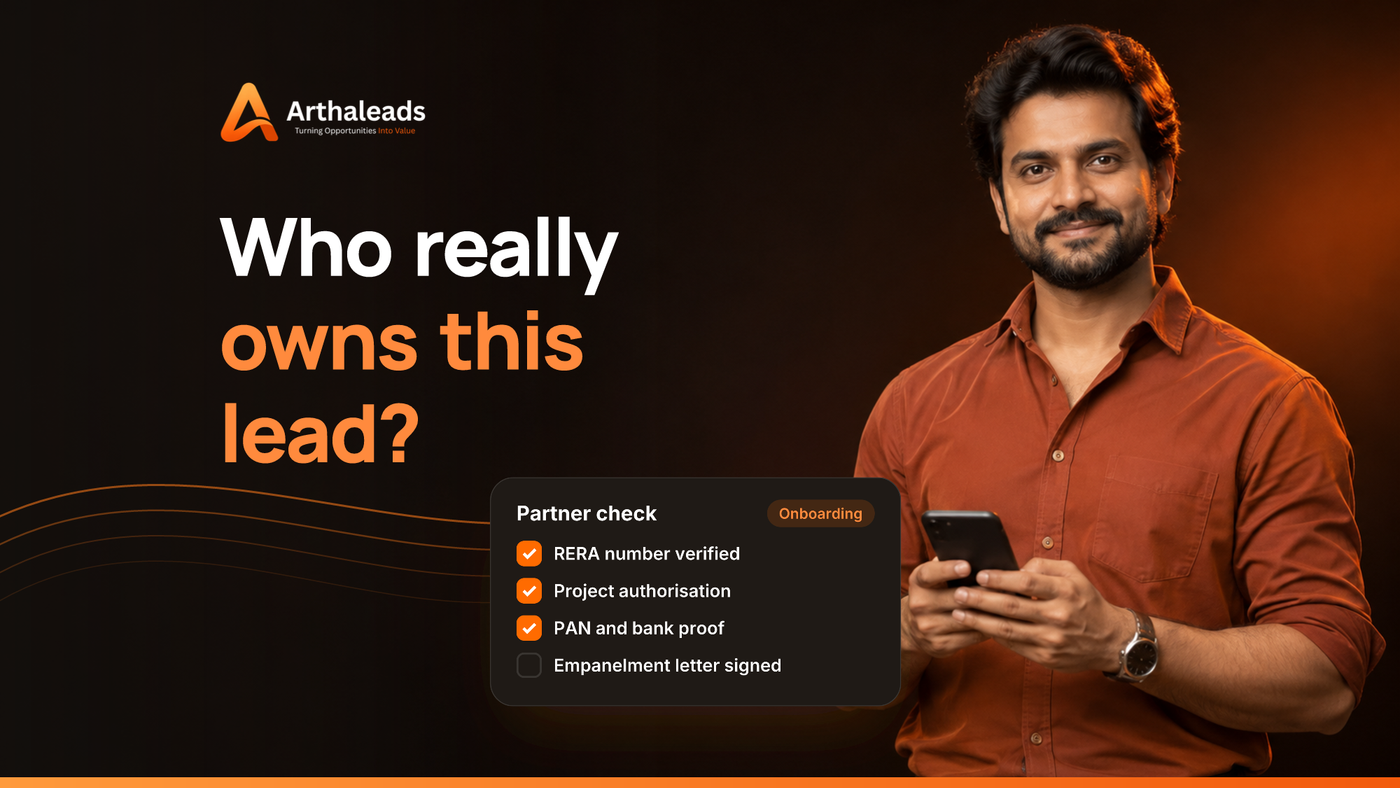
A partner says the buyer is theirs, your direct team says the enquiry came from a Meta ad last week, and the only evidence is a WhatsApp group you have to scroll back through for weeks. This is where partner handling breaks for most developers, usually around a launch.
Channel partner management software is a system that records each partner's registration, the leads they register, who owns each lead and what is owed when a booking happens. The setup here suits developers and sales heads running 5 to 25 sales seats: process first, then the software features worth paying for.
The same rules work whether you use a spreadsheet, a CRM or a partner portal. Software only enforces what you have already written down.
Why does channel partner management break first after a WhatsApp group?
It breaks because a group chat holds messages, not decisions. Three questions have no clean answer there: who sourced the lead, whether the partner is even registered, and when the cheque lands. Each one becomes a dispute on a busy launch weekend, when many partners send names in the same hour.
- Who sourced the lead: two partners, or a partner and your own team, register the same buyer.
- Whether the partner is registered: someone sells for you without a valid RERA agent number.
- When the money is paid: the partner expects payment at booking, you plan it after collection.
The third dispute is the costly one, because RERA is not a collection forum for brokerage. According to a newsletter report on a MahaRERA case, a complaint seeking 2% brokerage from a developer was dismissed where there was no written brokerage agreement and the facts were disputed. The agent was told to approach the civil court. We have not seen the order itself, so treat it as a report, but the lesson holds: without a written agreement and a record, neither side can prove anything.
If you are a partner reading this, our guide on how partners track bookings and brokerage across developers shows the other side of the same table.
What does channel partner management software have to do?
It has to do six jobs: hold an onboarding record for each partner, log lead registrations, apply an ownership rule, keep site-visit and booking evidence, show the payout trigger, and report by partner. Anything beyond that is a bonus. If a tool cannot do the first five against a timestamp, it will not end your disputes.
- Onboarding record: legal name, RERA agent number, authorised projects, PAN, GST status, bank proof, signed letter
- Lead registration: partner, buyer, project, source and a timestamp set by the system
- Ownership rule: duplicate check against partner and direct enquiries, with the protection window applied
- Site-visit and booking evidence: who brought the buyer, when, and what happened next
- Payout trigger: the milestone that makes a brokerage claim valid, visible for each booking
- Panel reporting: leads, visits and bookings per partner, so you can reward the ones who deliver
Notice what is missing: the invoice, GST, TDS deduction and payout release. Those stay with your accounts team. The software's job is to hand accounts a clean, evidenced list of what is owed and why.
Step 1: Onboard and verify every partner
Onboarding is where you stop most payout problems. Before a partner sees a project, check their RERA agent number on the state portal, record which projects they are authorised for, collect PAN, GST status and bank proof, and get a signed empanelment letter. Do it properly once, then re-check every quarter.
The legal base is simple. According to Section 9 of the RERA Act, 2016, an agent cannot facilitate a sale in a registered project without registering, receives a registration number and must quote it in every sale they facilitate. Our RERA agent registration guide covers fees and renewal, so here we cover only your check.
Check the number on the state portal, not on a visiting card. Then re-check it, because registrations lapse. According to Construction World, MahaRERA had registered 50,673 agents since 2017 and 31,980 were active when 18,693 were deregistered for missing certification or renewal (a mid-2025 snapshot).
Authorisation is project-wise. Hiranandani's published partner terms say registering with the promoter does not make someone an authorised partner for a project unless it is declared on the RERA website. Ask your legal adviser what your state requires, and do not assume the same rule everywhere.
- RERA agent number, checked on the state portal, with the date you checked
- List of projects the partner is authorised to sell
- PAN and GST status (registered or not)
- Cancelled cheque or bank proof in the payee's name
- Signed empanelment letter with protection window, ownership rule and payout trigger
- Next re-check date
According to Sell.do's developer guide, missing GST numbers and PAN mismatches cause most payout delays. Collect them at onboarding, not when the invoice arrives.
Step 2: Tag every lead the moment it enters
Tag each partner lead when it reaches you, with the partner's name, the source and a timestamp, and check it against existing records before accepting it. Then apply a protection window written into the empanelment letter, set per project. A lead you cannot trace to a timestamp is a lead you cannot defend.
Capture source and owner
Record the partner, buyer, project and a system timestamp at entry. Do not accept a name sent by voice note or typed into a sheet later.
Check for duplicates
Compare against the partner's earlier registrations, other partners and your direct enquiries from ads, portals and walk-ins. The rule decides the winner, not who shouts.
Apply the protection window
Give the first valid registrant a fixed window and write down when it ends. According to Makanify's blog, an exclusive window of 30 to 90 days is typical, but that is vendor content and common practice, not a norm.
Define what counts as a claim
A partner name alone is not a claim. Ask for buyer name, phone number and project, and decide whether a site visit inside the window extends protection.
Settle disputes with a record, not a call
Write the ownership rule before the project launches and name one person who decides. In a dispute, look at the first valid timestamp, whether the partner was involved in the site visit, and the WhatsApp and call history. Tell both sides the same day, with the reason. Also assign each registered lead to one of your own executives within the hour, so someone accountable calls the buyer.
When should you pay channel partner brokerage, and how?
Pay when the buyer's commitment is real and money has reached you, and write the exact trigger in the empanelment letter. The guides we reviewed suggest different triggers, from registration plus a first collection to full receipt, so this is your call, based on your cash flow and how fast you want partners to bring buyers.
| Payout trigger | Source | Cash-flow trade-off |
|---|---|---|
| Agreement registration plus first 10% received | Sell.do guide | You pay only after money and paperwork are in; partner invoices within 15 days |
| 50% at registration, balance at a collection milestone around day 45 to 120 | Sell.do guide | Keeps partners motivated, but you pay before full collection |
| Full receipt plus registration | Sthan guide | Safest for your cash, slowest for the partner |
According to Sell.do's 2026 payout guide, primary-sale brokerage is usually 1% to 3% of agreement value, with 2% the common anchor in metros and 4% to 6% on aged inventory. These are market estimates, not rules. Fix your rate per project in the letter.
Worked example (sample figures): on a ₹1.2 crore agreement value at 2% brokerage, the brokerage is ₹2,40,000. Under a 50:50 split, ₹1,20,000 is due at registration and ₹1,20,000 at the collection milestone. At 2% TDS with PAN, ₹2,400 is deducted from each instalment, so the partner receives ₹1,17,600 each time, before any GST treatment your accountant applies.
Currently, Bajaj Finserv's TDS guide gives TDS on brokerage under Section 194H as 2% when the payee provides PAN (down from 5% from 1 October 2024), above ₹20,000 a year per payee for FY 2025-26, and 20% if PAN is missing. It adds that the provision moves to section 393(1) from FY 2026-27. Some older pages still show 5% and ₹15,000, which are out of date. Confirm the current rate and threshold with your CA.
Send each partner a payout statement listing booking, agreement value, rate, trigger date, TDS and net amount. Whether the partner invoices with GST depends on their GST status, so ask accounts to confirm the rule and put it in the letter.
Do you need a portal, a CRM or a spreadsheet?
A 5-seat team with a small panel can start with a spreadsheet, but a CRM with clean source tagging is safer. A 25-seat team should treat the CRM as the system of record. A partner portal starts to pay off when hundreds of partners make manual registration the bottleneck. Team size is a guide, not a rule.
| Setup | Fits best | Strength | Honest limit |
|---|---|---|---|
| Spreadsheet plus WhatsApp group | 5 seats, a handful of partners | No cost, quick to start | Timestamps can be edited and evidence is scattered |
| CRM with source tagging | 5 to 25 seats, dozens of partners | One record per lead, timestamps, site-visit and booking history | Partners cannot self-register; payouts stay in an accounts sheet |
| Partner portal | 100 seats or hundreds of partners | Partners register leads and see status themselves | Higher cost, partner training, and it still needs your ownership rules |
Most vendor pages sell whitelabel portals, which suit large panels. For a smaller team, the cheaper question is whether your CRM already holds the evidence. If it does, add a portal only when volume demands it.
What should you ask any vendor before you buy?
Ask whether the tool can prove each claim: a RERA number field per partner, a lead-claim timestamp nobody can edit, duplicate rules, partner-wise reports, an export your accounts team can use, clear data access and a full price per seat. A demo that skips these is a brochure.
- RERA number field: can you store the number per partner and the date you verified it?
- Lead-claim timestamp: is it set by the system, and can anyone edit it later?
- Duplicate rules: does it flag a buyer already registered by another partner or already in your direct enquiries?
- Partner-wise reports: leads, site visits and bookings per partner, by project.
- Export for accounts: can you get booking-wise data in Excel or CSV for the payout sheet?
- Data access: who sees which leads, and can you remove a partner's access the day they leave the panel?
- Price per seat: the full cost with GST, seat minimums and any charge for partner logins.
Also ask how buyer details shared by partners are stored and how a deletion request is handled. Our DPDP Act checklist for real estate leads covers the lead-data side. Then run a test with your own data: three partners, one duplicate lead and one disputed booking.
How to set this up in Arthaleads Builder CRM
Arthaleads is real estate CRM software for builders, developers, channel partners and brokers. Builder CRM is where partner enquiries, project-wise pipelines, assignment and site-visit tracking sit, so every claim can be checked against a record. It does not run partner payouts: accounts keeps calculation and release in a sheet built from your records.
Load partner leads
Bring them in from a CSV or Excel file with the partner's name as the source. Facebook and Instagram lead ads, WhatsApp chats and website forms arrive as your direct sources, so duplicates are visible.
Create a project-wise pipeline
Set stages from first call to site visit to booking for each project, so evidence builds as the lead moves.
Assign and remind
Give each lead to one sales executive and let follow-up reminders keep it from going cold.
Use site QR codes
Put a QR code at the site office so a visit is logged with a time.
Test it on real data
Start the 14-day free trial of Growth (no credit card) and run three partners and one dispute through it.
As of November 2026, Arthaleads Starter is ₹599 and Growth is ₹999 per user per month plus 18% GST, with a five-seat minimum and two months free on annual billing. Check the export you need for accounts during the trial.
If you want to see Arthaleads on your own projects, start the trial or book a demo from the Builder CRM page.
Frequently asked questions
Is RERA registration mandatory for a channel partner?
Under Section 9(1) of the RERA Act, 2016, an agent cannot facilitate a sale in a registered project without registering. The agent must also quote the registration number in every sale they facilitate. Fees and renewal differ by state, so check your state authority.
How do developers stop channel partners from fighting over the same lead?
Write the ownership rule before launch, timestamp every registration at entry and check each lead against partner and direct enquiries. Keep site-visit and call evidence on the same record. Name one person who decides disputes.
How long should a channel partner's lead protection last?
Windows of 30, 60 or 90 days are commonly quoted, but that is common practice, not a rule. Set it per project, based on how long your buyers take to visit and decide. State in the letter what extends or ends the window.
What TDS applies to channel partner commission?
According to Bajaj Finserv's TDS guide, Section 194H TDS on commission is 2% when the payee gives PAN and 20% if PAN is missing, with a ₹20,000 a year threshold per payee for FY 2025-26. Check the current year's threshold with your CA. Whether the partner invoices with GST depends on their GST registration, so confirm it at onboarding.
Do I need a channel partner portal or is a CRM enough?
For a small team with a modest panel, a CRM with clean source tagging, timestamps and site-visit records is usually enough to start. A portal starts to pay off when partners are so many that registering leads by hand slows you down. Either way, you need the written rules first.
About Arthaleads
Arthaleads is a CRM for Indian real estate sales teams. It brings enquiries from ads, portals, your website and WhatsApp into one workspace, with follow-ups, projects, bookings and invoices. These articles are educational and are not a substitute for advice based on your own business and data.